
There is a version of customer support that businesses put off building properly for way too long. The inbox fills up.
Tickets get missed. A frustrated customer posts in a Facebook group. The founder personally apologizes at midnight. Everyone promises to sort the support situation next quarter.
Next quarter never comes.
If your WordPress site is generating real customers, it deserves real infrastructure to handle their questions properly.
Not a shared Gmail account with five people BCCed. Not a Facebook group moderation tab sitting behind seventeen other browser tabs. Actual WordPress customer support plugins that actually work.
These seven essential WordPress customer support plugins will genuinely improve how you handle support in 2026, whether you are running a WooCommerce store, a membership site, a digital product shop, or anything else built on WordPress.
Why Choose a WordPress Plugin to Improve Customer Support
Let’s be honest. Most WordPress site owners start with a shared Gmail inbox and a prayer. It works for about three months.
Then tickets get missed, two agents reply to the same person, and someone marks a complaint as resolved when it absolutely was not. Sound familiar? A WordPress customer support plugin just removes that whole headache.
Your data is already in WordPress: Your orders, customer accounts, and purchase history are all sitting in WordPress already. A helpdesk plugin connects directly to that so your team sees the full picture the moment a ticket arrives. No tab switching. No asking customers to repeat themselves.
You own your data: With external platforms, your ticket history lives on someone else’s server. If they hike their prices or shut down, that is your problem. A WordPress helpdesk plugin keeps everything on your own server, under your control.
Setup is genuinely simple: Installing a plugin takes two minutes. No developer, no complicated integrations, no training sessions. Your team works inside the same WordPress dashboard they already know.
Pricing stays predictable: External platforms charge per agent. Fine at two people, painful at ten. Most WordPress customer support plugins charge a flat fee regardless of team size. No surprises.
Bottom line: If your site runs on WordPress, keeping support inside WordPress is just the smarter move. Less friction, better data access, easier setup, and costs that actually make sense.
7 Best WordPress Plugins to Improve Customer Support
1. ThriveDesk
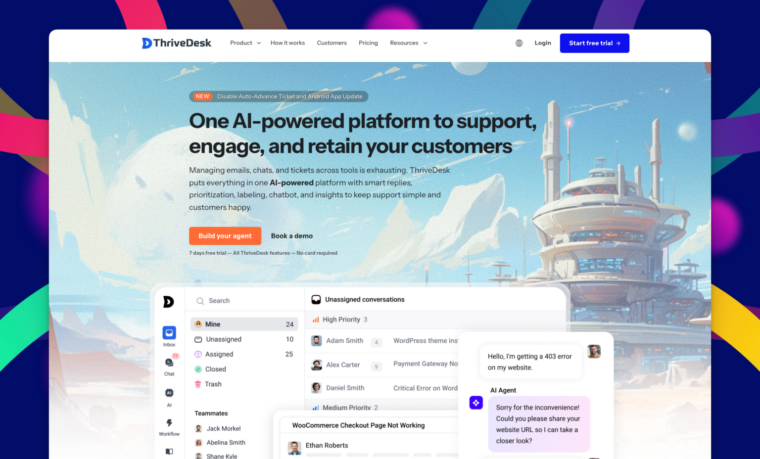
ThriveDesk is what you get when someone builds a WordPress helpdesk plugin specifically for WordPress rather than slapping a WordPress connector on top of a generic SaaS product and calling it a day.
It is fully hosted, which matters more than people realise. Your WordPress site stays fast because ThriveDesk handles all the support infrastructure on its own end. The three things it brings together are what make it one of the most complete WordPress customer support plugins available.
ThriveDesk makes maintaining one easy because it lives in the same place your team already handles tickets, so it actually gets updated instead of going stale.
The WooCommerce integration is the other thing worth calling out specifically. When a customer contacts you, your agent sees their order history, subscription status, and purchase details right there in the conversation.
And unlike most WordPress customer support plugins, ThriveDesk charges a flat rate per plan rather than per agent. Adding a new team member costs nothing extra.
Key Features
- Shared inbox with internal notes and assignments
- Live chat widget for any WordPress page
- Built-in knowledge base and help center
- WooCommerce and SureCart integration
- Canned responses for common questions
- Unlimited agents at all pricing tiers
Price: From $29/month.
Best For: WordPress and WooCommerce businesses that want a full helpdesk without managing server infrastructure or paying per agent.
2. Fluent Support
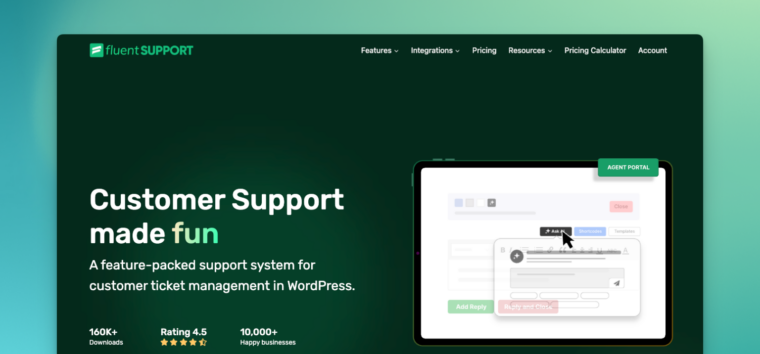
Fluent Support is one of the newer WordPress customer support plugins on this list, but it has grown fast. Your agent sees what the customer bought, what course they are enrolled in, and every previous conversation, all without leaving the ticket window.
That is what it actually looks like to improve customer support on a complex WordPress site.
The OpenAI integration is the other thing worth highlighting. It suggests responses based on ticket content and past resolutions.
For teams handling high ticket volume, that time saving adds up to something real by the end of the month. Less typing, fewer tabs, faster answers.
Everything runs inside your WordPress dashboard. Your data stays on your own server. No monthly dependency on an external platform you cannot control.
Key Features
- Deep WordPress plugin ecosystem integration
- OpenAI response suggestions
- Workflow automation and SLA tracking
- Custom ticket fields per product or category
- Agent performance reporting
- Self-hosted data control
Price: From $103/year for one site.
Best For: WordPress sites with complex plugin setups that need a WordPress helpdesk plugin deeply integrated with their existing tools and customer data.
3. SupportCandy
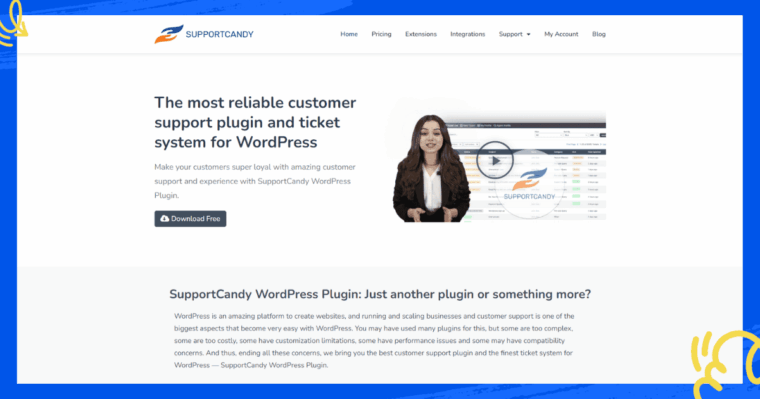
SupportCandy is the reliable, no-drama option among WordPress customer support plugins. It has been around long enough to be thoroughly trusted, the free version is genuinely useful, and it handles ticket management without making anything complicated.
Unlimited tickets and unlimited agents on the free plan are the headline feature, and it really is unusual. Most free WordPress helpdesk plugins limit one or the other.
SupportCandy limits neither, which means you can get a proper support ticket system running on your WordPress site today without spending a single penny.
The paid plans add SLA management, custom ticket fields, and email piping when your needs grow into them. But you can run a real support operation on the free version for longer than you might expect.
Key Features
- Unlimited tickets and agents on the free plan
- Guest ticket submission without an account
- GDPR compliant data handling
- SLA management and custom fields on paid plans
- Email piping for seamless email to ticket conversion
Price: Free. Paid from $59/year.
Best For: WordPress businesses that want a reliable free WordPress helpdesk plugin with room to grow, or teams that need full control over their support data.
4. Tidio
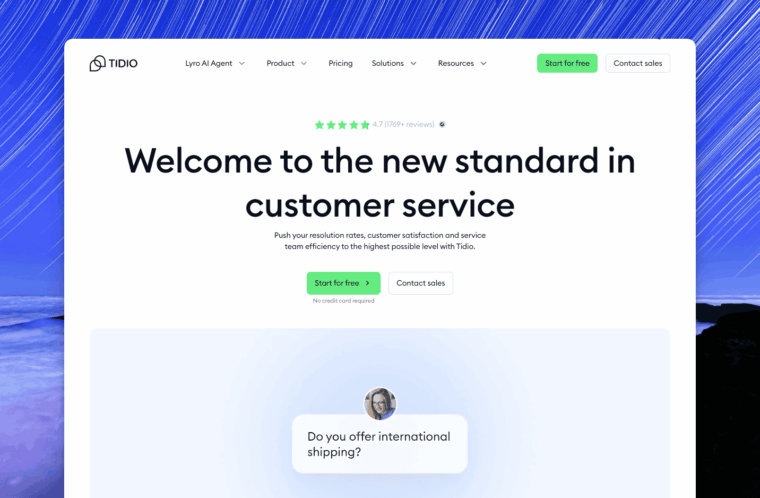
Live chat changes how customers feel about a business more than almost anything else. Someone who hits a wall during a purchase and cannot get a quick answer will just leave.
The free plan is capable enough for small sites. The paid plans add an AI chatbot that handles common questions automatically when your team is offline.
Given that a handful of questions probably make up sixty percent of your support volume, automating them is more impactful than it sounds.
The WooCommerce integration lets agents see what a customer has in their cart during a live chat.
If someone is on the fence about completing a purchase and reaches out, that context helps your team give exactly the right answer at exactly the right moment.
Key Features
- Live chat widget with mobile support
- AI chatbot for after-hours automation
- WooCommerce cart context during conversations
- Visitor page tracking so agents know where people are stuck
- Email and Messenger integration
- Generous free plan
Price: Free. Paid from €24.17 (basic).
Best For: WordPress eCommerce and membership sites where real-time support directly affects whether someone buys or bounces.
5. Heroic Inbox
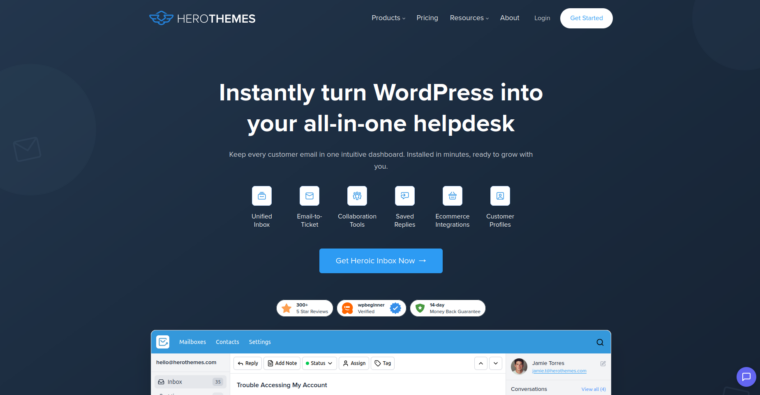
Heroic Inbox takes a completely different approach from every other WordPress customer support plugin on this list. Instead of a ticket system, it turns your WordPress site into a proper shared email inbox.
Multiple team members manage the same support email address from inside WordPress, assign conversations, leave internal notes, and respond, all without leaving the dashboard and all without tickets, queue systems, or status dropdowns.
For small teams that think and work in email, this is the most natural way to handle support. There is no learning curve because it already works the way your team already works.
You just stop doing it in a chaotic shared Gmail account and start doing it in something organized.
Key Features
- Shared inbox managed entirely inside WordPress
- Multiple email account support
- Team assignments and internal notes
- Full conversation history per customer
- Collision detection to stop two agents from replying to the same person at the same time
Price: From $103.60/year.
Best For: Small WordPress teams that primarily support customers over email and want a clean shared inbox without adopting a whole new platform.
6. Awesome Support
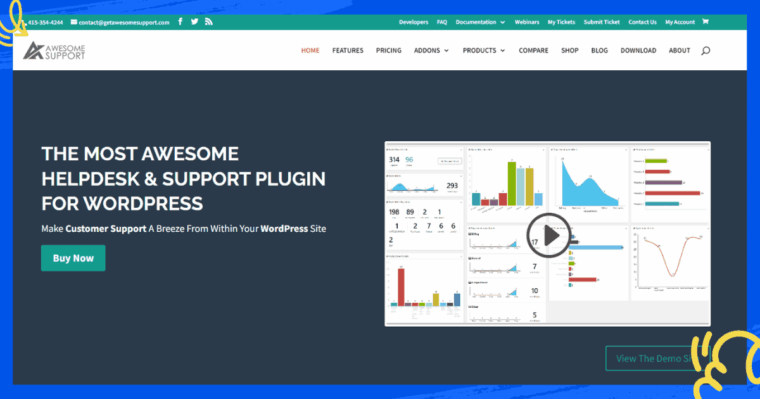
Every list of WordPress customer support plugins includes Awesome Support, and honestly, it earns its spot every time. It is free, it works, and it gets your support operation off the ground without spending anything.
The free core plugin gives you unlimited tickets, unlimited agents, email notifications when tickets are updated, file attachments, and basic ticket management.
For a WordPress site getting a low to moderate volume of support requests, that is genuinely enough to run a proper operation.
What makes it smart as a starting point is the add-on system. You start free and layer in exactly what you need as your business grows.
It is not the most visually modern tool on this list. But modern and functional are very different things, and Awesome Support is solidly the latter.
Key Features
- Completely free core plugin
- Unlimited tickets and unlimited agents
- Email notifications on all ticket events
- File attachments are supported even in the free version
- 28 premium add-ons to extend it as you grow
Price: $149/year
Best For: New or bootstrapped WordPress sites that need a working support ticket system today without any upfront cost.
7. Freshdesk
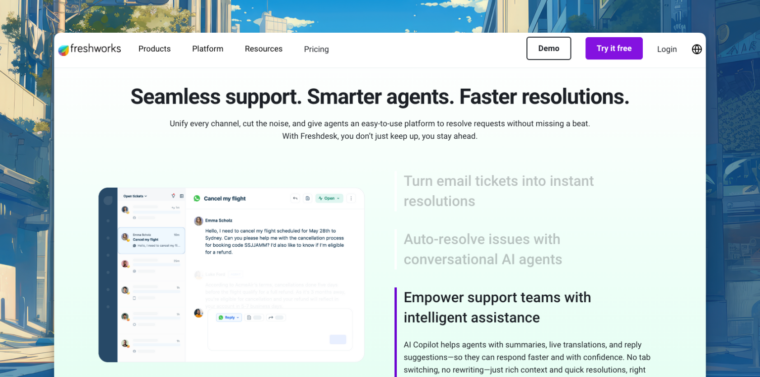
Freshdesk is one of the most widely used helpdesk platforms in the world, and the WordPress plugin brings it to your site through a contact form that feeds directly into your Freshdesk account.
What you get on the free plan is honestly impressive for something that costs nothing. Unlimited agents, email ticketing, basic automation, and a knowledge base builder, all without paying a monthly fee.
Everything routes into one place. For businesses where customers reach out through multiple channels, having one inbox that catches all of it is a genuine relief and a real way to improve customer support consistency across your whole operation.
The honest tradeoff is that you manage support from Freshdesk’s platform rather than your WordPress dashboard. For teams comfortable switching between tools that is not a problem.
Key Features
- Free plan with unlimited agents
- Multi-channel support covering email, phone, and chat
- Ticket automation and SLA management
- Knowledge base and FAQ builder
- Detailed reporting and analytics
Price: Free plan available. Paid from $19/agent/month.
Best For: WordPress businesses that want a powerful free WordPress helpdesk plugin and are comfortable managing support in a platform outside the WordPress dashboard.
Best WordPress Customer Support Plugins At a Glance
| Plugin | What It Does | Price | Free Option |
| ThriveDesk | Complete helpdesk | From $29/month | No |
| Fluent Support | Ticket system | $103/year | No |
| SupportCandy | Ticket system | $59/year | Yes |
| Tidio | Live chat | €24.17 (basic) | Yes |
| Heroic Inbox | Shared email inbox | $103.60/year | No |
| Awesome Support | Basic ticket system | $149/year | Yes |
| Freshdesk | Cloud helpdesk | Free / $15/agent | Yes |
How to Choose the Best Helpdesk Plugin to Improve Customer Experience
Does it match how your team works? Some teams prefer email-style inboxes, others like a proper ticket system. Pick something that fits how your team already thinks, because a WordPress customer support plugin nobody enjoys using helps nobody.
How many tickets are you actually getting? If it is ten a week, start free and keep it simple. If it is hundreds, you need automation and routing, or your team will burn out fast.
Does it connect to your existing tools? Before you make a commitment, check if the system works with WooCommerce and your membership plugi,n and your CRM system. Users must switch between five browser tabs to locate answers for their customer questions, which creates their biggest frustration.
Can customers help themselves? A built-in knowledge base or FAQ section can quietly handle a big chunk of tickets before they are even submitted. The WordPress customer support plugin ThriveDesk includes a built-in solution which prevents your team from fielding duplicate customer questions throughout every workday.
What does it cost as your team grows? Per-agent pricing sounds fine at two agents and gets painful at ten. Look for flat pricing models so your support costs do not quietly double as you hire more people.
Is the setup actually realistic for you? Some WordPress customer support plugins need a developer to configure properly, while others are up and running in twenty minutes. Be honest about your technical comfort level before falling in love with a feature list you cannot actually set up.
Just start with something. A free plugin running today beats a perfect plugin you are still researching next month. You will learn what you actually need by using something, not by reading comparison articles forever.
A Closing Thought
Customer support is treated like overhead by most businesses. Something to minimise, outsource, and deal with later.
The WordPress customer support plugins, which enable customers to choose between various options at competitive prices during 2026, will establish the most significant customer loyalty development system.
Companies that provide swift responses and direct answers and demonstrate understanding to their customers will retain their customers while gaining recommendations and establishing valuable brand recognition.
You do not need all seven of these at once. Select the system that suits your team structure, your operational volume, and your available funds.
Get it running. The only wrong move is staying in the chaotic shared inbox pretending it is fine.
It is not fine. But fixing it is a lot easier than most people think.